
Healthcare IT
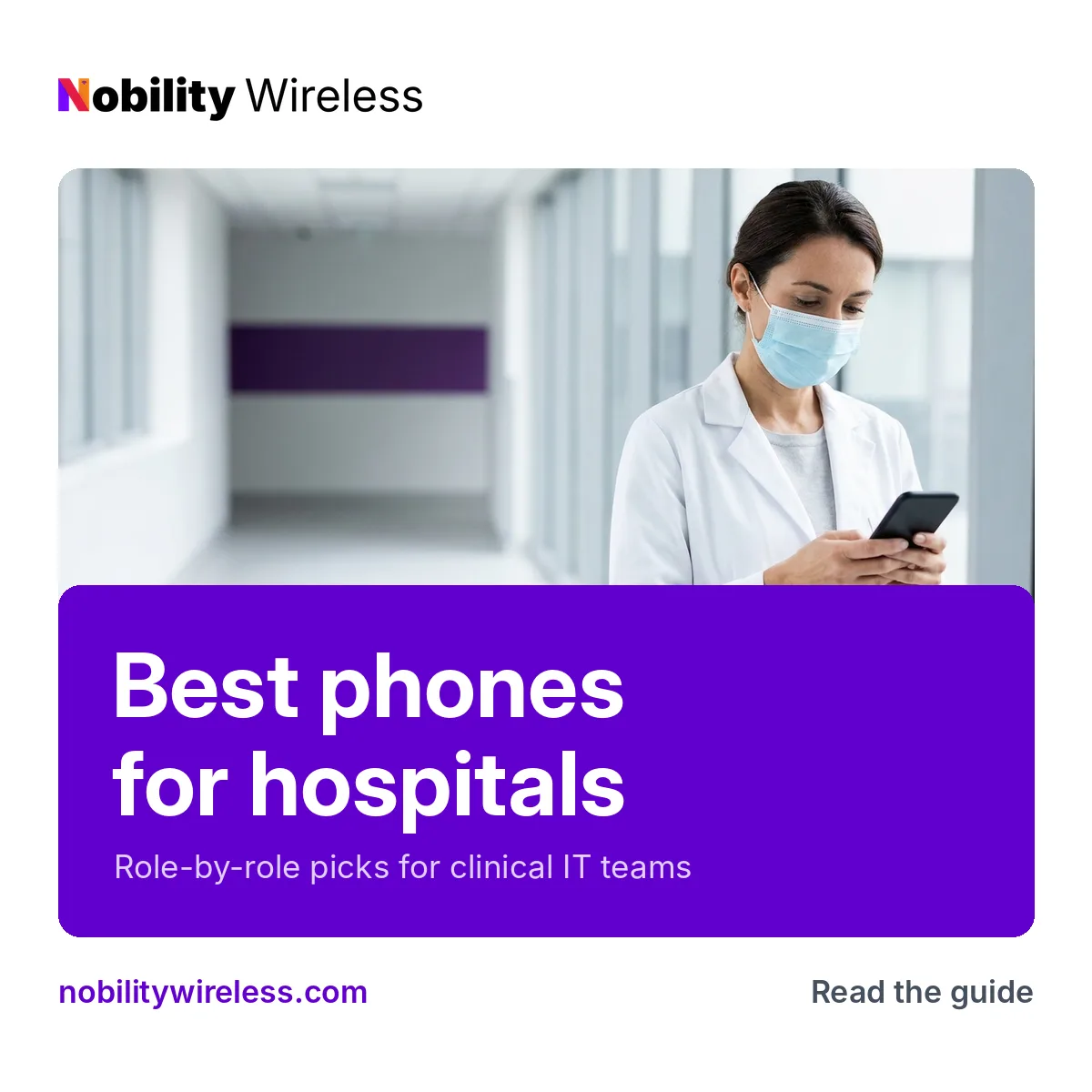
Best Phones for Hospitals: What Clinical IT Teams Should Deploy
Role-by-role picks for nursing units, physicians and support staff, with the trade-offs that never make it onto a spec sheet.
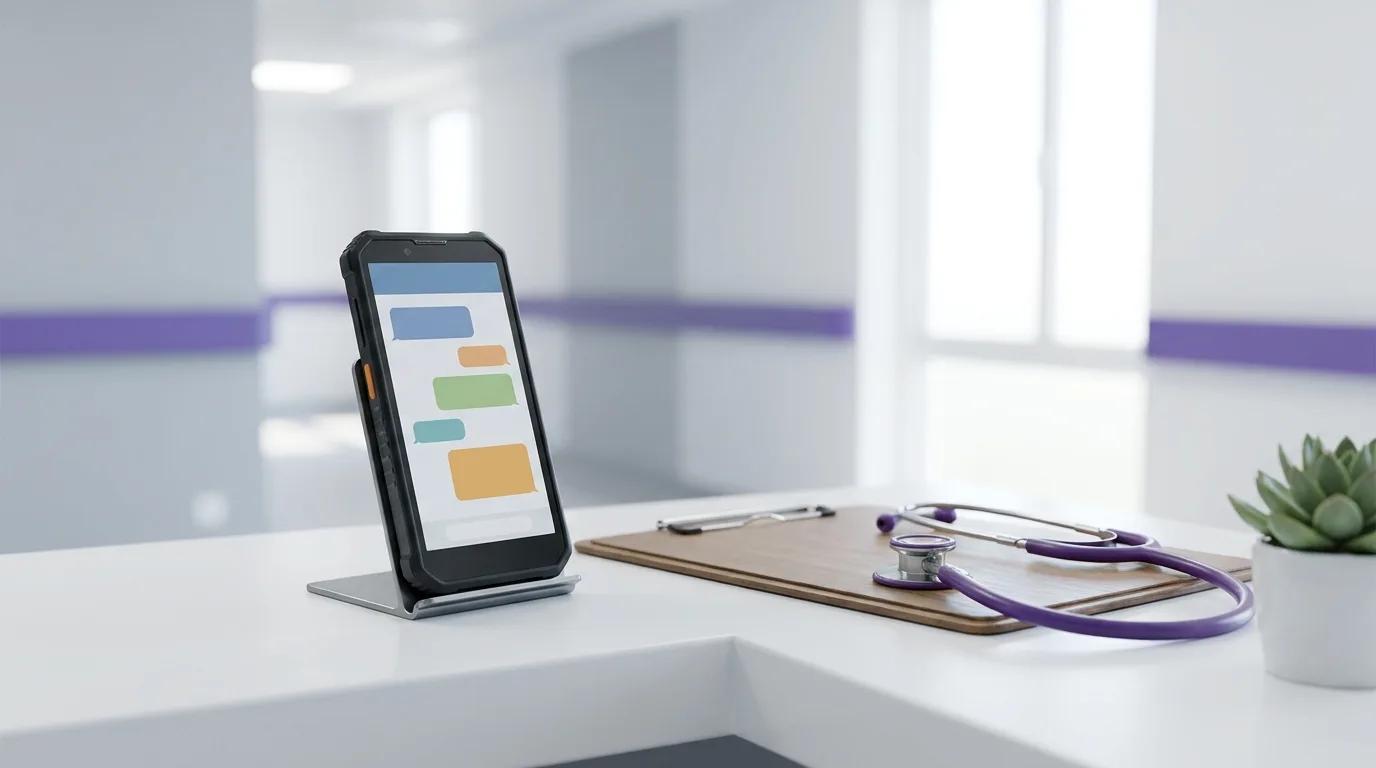
Which phones should a hospital actually put in staff hands? Most hospitals need three device types: shared phones for nursing units, personal-issue phones for physicians, and tablets for intake and charting. The best phones for hospitals aren’t one model. The right pick depends on the role and on the MDM platform your team already runs. Get that match wrong and you end up running two management stacks for one fleet, and we’ve watched it happen more than once. If you’re sourcing mobile devices for healthcare across a whole system, start here.
What makes a phone right for hospital use?
A hospital phone has to survive constant cleaning, enroll in your MDM without anyone touching it, last a full 12-hour shift and keep getting security patches for as long as you plan to run it. Everything else is a nice-to-have.
It survives the cleaning cart
Hospital phones get wiped down more in one shift than most phones do in a year. The phone matters, the case matters more. Look for sealed cases without seams or open ports where fluid can sit. Before you standardize on a disinfectant, read the manufacturer’s cleaning guidance for that model, and the case maker’s guidance too. They don’t always agree, and the case is usually what fails first.
It fits your MDM
Samsung Knox, Apple Business (formerly Apple Business Manager) and Android Enterprise all handle hospital-scale fleets well. The trouble starts when you pick a phone that doesn’t fit the platform you already run. Devices should enroll automatically on first power-up, pull their Wi-Fi, apps and restrictions, and be ready to hand out. If your team is enrolling phones by hand at a nurses’ station, the device choice went wrong somewhere upstream.
It lasts the shift
That means twelve hours plus handoff, with a secure messaging app open, Wi-Fi calling running and alerts firing all day. Brochure battery numbers won’t tell you how a phone holds up under that. Pilot a handful of units on a real unit for a week before you buy for the whole floor.
It runs your clinical apps
Your secure messaging and clinical communication vendors publish supported-device lists. Check them first. Finding out after the fact that your messaging vendor doesn’t support the phones you bought is an expensive way to learn that lesson.
It keeps getting security updates
This is where cheap phones get expensive. A phone that stops receiving security patches halfway through your refresh cycle turns into a retirement project you didn’t budget for. Check each manufacturer’s published update policy against how long you plan to keep the device in service, model by model.
Are phones HIPAA compliant?
No phone is HIPAA compliant on its own. HHS doesn’t certify products, so there’s no such thing as a HIPAA-certified device.
Compliance comes from how your hospital configures and manages the devices: MDM policies, encryption, access controls, which apps are allowed, and the policies staff actually follow. The same phone can be fine in one hospital and a problem in another. It all comes down to setup.
If a vendor tells you their phone takes care of HIPAA for you, treat that as a red flag. HHS’s HIPAA guidance for professionals is the place to start for what the rules actually require.
What are the best phones for hospitals, by role?
Match the phone to how it gets used. Put rugged shared phones on nursing units, give physicians flagships that fit your MDM, and give support staff dependable mid-range hospital phones.
| Role | Recommended models | Why it fits | Trade-off |
|---|---|---|---|
| Shared nursing-unit phones | Samsung Galaxy XCover6 Pro; budget: Samsung Galaxy A36 | XCover is Samsung’s enterprise phone for shared use and rough handling; A36 runs the same Knox management for less | XCover camera/screen a step below flagships; A36 needs a protective case |
| Physicians and clinicians (personal-issue) | Apple iPhone 15 or iPhone 16; Samsung Galaxy S24 or S25; Google Pixel 9 | Match the hospital’s MDM and app stack: iPhone for Apple Business, Galaxy S for Knox, Pixel for Android Enterprise | Highest cost per unit; mixed fleets double MDM work |
| Support staff (transport, environmental services, dietary) | Samsung Galaxy A16; Moto G Power (2025) | Calls, secure messaging, battery that lasts a shift | Slower processors, shorter update windows than flagships |
Shared nursing-unit phones
When people ask us about the best phones for nurses, the real question is usually what goes in the shared pool on the unit. The Samsung Galaxy XCover6 Pro is Samsung’s enterprise phone for exactly that job: passed between shifts, dropped, wiped down, charged in racks. Samsung rates it IP68 and MIL-STD-810H, and the battery is user-replaceable, which helps when a phone never really goes off duty. The Galaxy A36 runs the same Knox management for less money. Just put it in a protective case. The trade-off is that the XCover’s camera and screen are a step below a flagship. For calls, messaging and alerts, nobody on the floor notices.
One thing needs saying plainly. If your nurses scan medication barcodes at the bedside (BCMA), that workflow usually needs purpose-built handhelds with dedicated scanners. We don’t sell those. Plan the phones for communication, and source BCMA scanners separately.
Physicians and clinicians
Physicians carry their phone everywhere, all day, and they’ll tell you what they want. Let your MDM decide instead. Go with the iPhone 15 or iPhone 16 if you’re on Apple Business, the Galaxy S24 or S25 if you’re a Knox shop, and the Pixel 9 if you run Android Enterprise. Google commits to seven years of OS and security updates for the Pixel 9, and Samsung commits to seven years for the Galaxy S24. The trade-off is that this is your highest cost per unit, and a mixed fleet means building and maintaining two sets of MDM policies. Pick one ecosystem if you can.
Support staff
Transport, environmental services and dietary staff need calls, secure messaging and a battery that lasts the shift. That’s it. The Samsung Galaxy A16 and Moto G Power (2025) cover that without flagship pricing. The trade-off is slower processors and shorter update windows than flagships, so check the manufacturer’s update policy before you plan a long service life for them.
Where do tablets fit alongside phones?
Phones cover communication. Tablets handle the screen-heavy work: patient check-in, bedside use and charting on rounds.
Most hospitals run both, managed in the same MDM platform. Choosing tablets for every role, from intake kiosks to EMS crews? See our full guide to the best tablets for hospitals, with picks for bedside, charting on rounds and ambulances.
Should nurses share phones or get their own?
Shared phones cost less per nurse but take more setup. Personal-issue phones cost more per head but make accountability simple. Plenty of hospitals do both.
| Factor | Shared phones | Personal-issue phones |
|---|---|---|
| Cost per nurse | Lower | Higher |
| MDM setup | Shared-device mode plus a sign-in flow every shift | Standard single-user enrollment |
| Accountability | Depends on sign-in records | One person, one phone |
| Best for | Floor nurses on rotating shifts | Charge nurses, physicians, unit leadership |
Shared hospital phones only work when sign-in is fast. Nurses sign in at the start of a shift and their messaging identity follows them. At sign-out the phone clears and goes back on the charger. If that flow takes more than a minute, people start sharing logins, and now you’ve got a different problem.
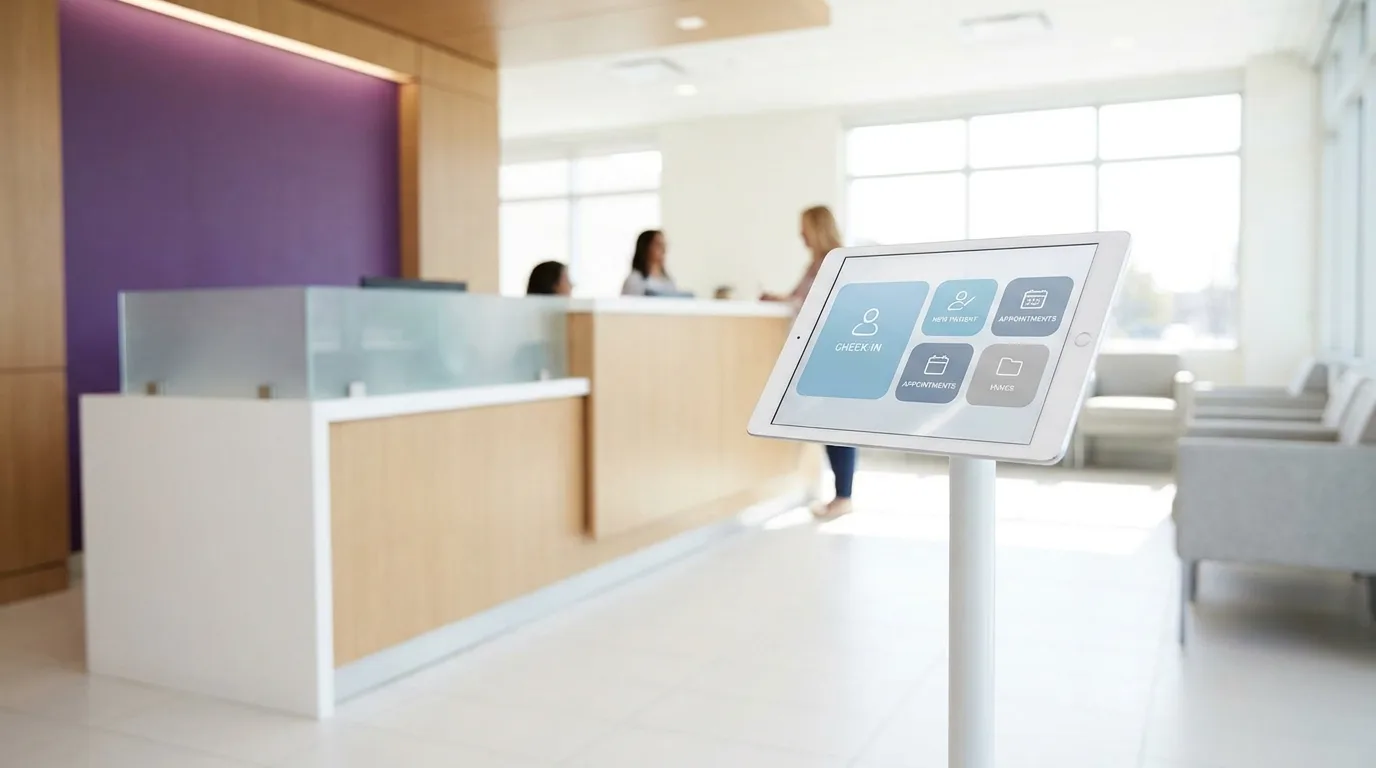
Personal-issue is simpler to run. One person, one phone, and if it goes missing you know whose it was. You pay for that simplicity in headcount.
The common middle ground is personal phones for charge nurses and physicians and a shared pool for everyone else. Either way, start with MDM-ready devices so the setup work happens once, not phone by phone.
Is refurbished OK for hospital deployments?
Yes, when devices are graded, inspected, covered by a DOA guarantee and still inside the manufacturer’s update window.
That last condition matters most. A refurbished phone from a recent generation with years of security updates ahead of it is a smart buy. A cheap one near the end of its update window isn’t, whatever the price. The same test applies to every one of the best phones for hospitals in this guide.
Our grades are New, Certified Like-New and Certified Pre-Owned (A+, A, A-). Every device goes through a 35-point PhoneCheck inspection, IMEIs are checked against the GSMA device registry, and every grade carries a 30-day DOA guarantee. Pricing typically lands 20–40% below MSRP, which works out to $100–$400 per unit depending on the model.
Every device is wiped with Phonecheck, whose erasure is built to NIST 800-88 and has passed ADISA’s Product Claims Test, and each wipe produces a signed certificate of erasure you can request.
Planning a hospital rollout?
Tell us the roles, headcounts and MDM platform you’re working with. Minimum order is 10 units, and you’ll have a quote in about 4 hours.
Request a quoteFrequently asked questions
Can refurbished phones be used in hospitals?
Yes, as long as each device is graded, inspected and still receiving security updates from its manufacturer. Every device we ship goes through a 35-point PhoneCheck inspection, and IMEIs are checked against the GSMA device registry. Each one is wiped with Phonecheck erasure built to NIST 800-88, and a signed certificate of erasure is available on request.
Are your devices MDM-ready?
Yes. Our devices are 100% MDM-compatible and support Samsung Knox, Apple Business and Android Zero-Touch enrollment, so your team can enroll them in the platform it already runs.
Is any phone HIPAA compliant?
No. No device is HIPAA-certified, and HHS doesn’t certify products. HIPAA compliance depends on how your hospital configures and manages devices: MDM policies, encryption, access controls, approved apps and staff policies.
What if a device arrives faulty?
Every order is covered by a 30-day DOA guarantee on all grades. If a device is dead on arrival, reach out within that window and we’ll take care of it.
What’s the minimum order?
The minimum order is 10 units. Send us your device mix and quantities and you’ll get a quote in about 4 hours.