
HEALTHCARE IT
Best Tablets for Healthcare: What Hospitals Should Deploy at Intake, Bedside and on Rounds
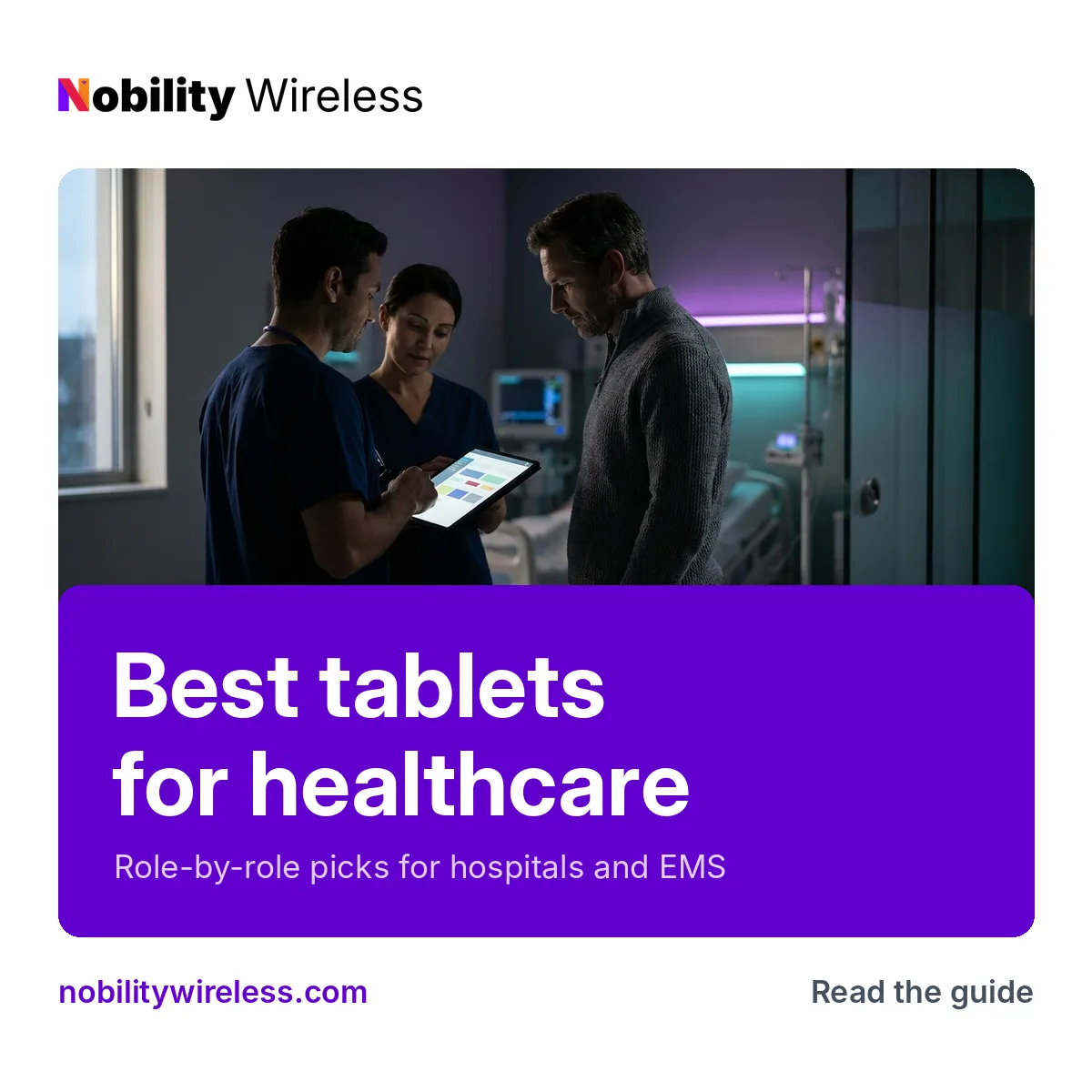
Role-by-role tablet picks for intake, bedside, charting and EMS, with the trade-offs that never make it onto a spec sheet.
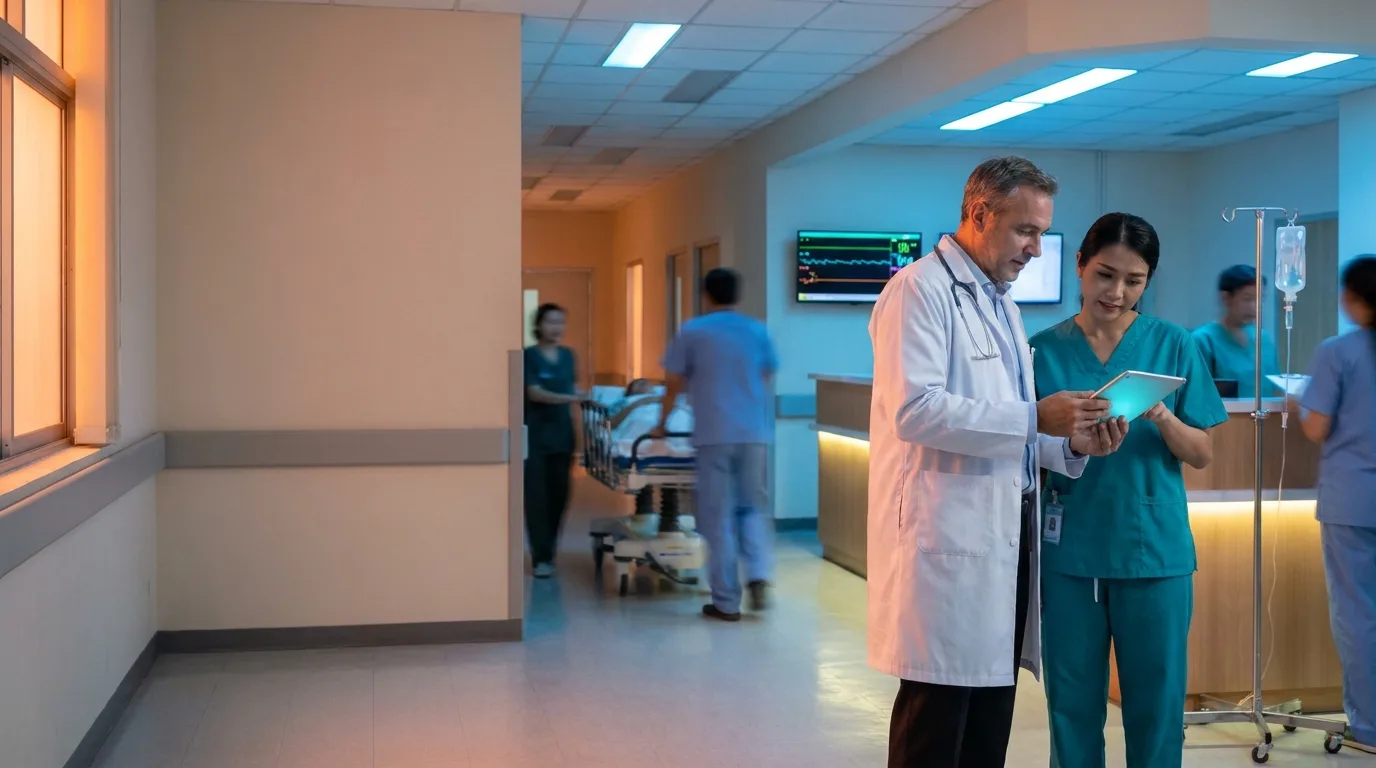
Which tablets should a hospital actually deploy? Most healthcare organizations need them in four roles: intake kiosks, bedside and patient use, clinician charting, and EMS in the field. The best tablets for healthcare aren’t one model. The right pick depends on the role, whether the device needs cellular, and the MDM platform you already run. If you pick the tablet first and the MDM second, you’ll spend a year cleaning it up. If you’re sourcing mobile devices for healthcare across a whole system, start here. Buying phones too? Our guide to the best phones for hospitals covers that side.
Key takeaway: Choose by role and MDM platform, not by brand. Put affordable kiosk tablets at intake, locked-down patient tablets at the bedside, pen-capable tablets on rounds, and cellular tablets in rugged cases in the ambulance.
What should tablets for healthcare get right?
A healthcare tablet needs a case that survives constant cleaning, clean MDM enrollment, a locked-down mode for shared use and a battery that lasts the shift. It also has to keep getting security updates for as long as you plan to run it.
A case that survives the cleaning cart
Hospital tablets get wiped down constantly, and the case usually fails before the tablet does. Look for sealed cases without seams where fluid can sit. Before you standardize on a disinfectant, read the manufacturer’s cleaning guidance for that model, and the case maker’s guidance too. They don’t always say the same thing.
MDM enrollment and kiosk mode
Every tablet should enroll automatically on first power-up and land with its apps, Wi-Fi and restrictions already in place. Anything shared, which is most hospital tablets, also needs a kiosk or single-app mode so patients and visitors can’t wander into settings. If your team is configuring tablets one by one at a desk, something went wrong upstream.
Battery and screen size for the job
A check-in tablet sits on a charger all day, so its battery doesn’t matter much. A charting tablet on rounds is a different story. It has to make it through a full shift with the EHR app open. Screen size follows the task too. Forms and signatures work fine on a standard screen, but charting and image review get easier with more room and a pen.
Cellular or Wi-Fi
Inside the building, Wi-Fi models are fine and cost less. Anything that leaves the building, like EMS, home transport or mobile units, needs cellular. Don’t try to make hotspots work in a moving rig.
How long it keeps getting security updates
This is where cheap tablets get expensive. A device that stops receiving patches halfway through your refresh cycle turns into an early retirement you didn’t budget for. Check each manufacturer’s published update policy against how long you plan to keep the device in service, and skip older generations for new deployments even when the price looks good.
Which tablets work best for patient intake and check-in?
An affordable tablet locked to one app does the job. The iPad 10th Generation and Galaxy Tab A9+ both handle check-in forms and signatures without flagship pricing.

At check-in, the tablet does one thing all day: forms, insurance details, signatures. The Apple iPad 10th Generation is the default if you’re an Apple shop, and the Samsung Galaxy Tab A9+ is the Android equivalent under Knox. Both lock down to a single app through your MDM, so the screen only ever shows your intake software.
The trade-off is that neither one is built to sit on a reception counter unprotected. Budget for an enclosure or a locking stand from day one. A tablet that walks away from the front desk costs more than the stand would have.
What are the best patient tablets for bedside use?
The Samsung Galaxy Tab A11 and Lenovo Tab M11 are the right tier: affordable, locked to approved apps and wiped between patients.
Patient tablets at the bedside handle video calls with family, education content and meal ordering. None of that needs much horsepower. It needs a tablet that’s cheap enough to deploy in every room and easy to reset. The Samsung Galaxy Tab A11 fits Knox environments, and the Lenovo Tab M11 runs Android Enterprise.
Two things make or break a bedside program. First, lock each tablet to the apps you’ve approved, so patients get the video call and the menu and nothing else. Second, build a wipe between patients into discharge. That means a physical cleaning plus an MDM reset that clears accounts, call history and anything a patient signed into. If that reset depends on someone remembering to do it, it won’t happen consistently.
The trade-off is entry-level hardware. These tablets aren’t built to survive a fall off a bed rail, so put every one in a protective case.
Which tablets should clinicians use for charting on rounds?
For personal-issue charting, go with the Galaxy Tab S9 FE or the iPad Air 6th Generation. For shared team tablets at nursing stations, the Galaxy Tab S10 FE and iPad 11th Generation hit the right price.
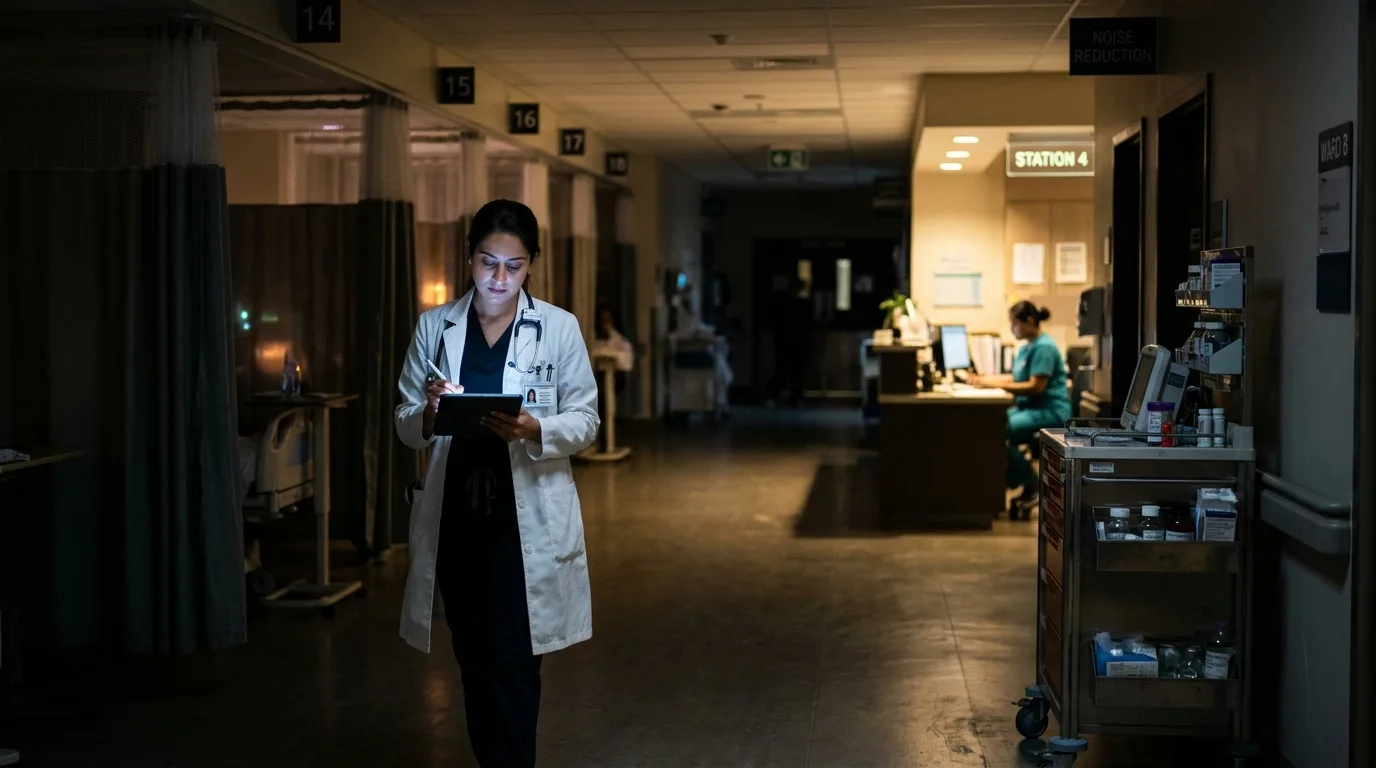
Clinicians charting on rounds need screen space and a pen. The Samsung Galaxy Tab S9 FE supports the S Pen, and clinicians actually use it for annotations and signatures. The Apple iPad Air 6th Generation is the pick for Apple shops. The trade-off is higher cost per unit. These are the hospital tablets where spending more pays off, because they’re in someone’s hands for the whole shift.
Shared team tablets at the nursing station are a different job. They get passed around, used for quick lookups and handoffs, and docked between uses. The Samsung Galaxy Tab S10 FE and Apple iPad 11th Generation give you current hardware without paying for features a shared device won’t use. Set them up in shared-device mode so each clinician signs in and out, and the tablet never holds onto someone else’s session.
What tablets work for EMS and ambulance crews?
Cellular is non-negotiable in a moving rig. Go with cellular versions of the iPad 10th Generation or Galaxy Tab S9 FE, or the Lenovo Tab M10 5G if budget is tight.
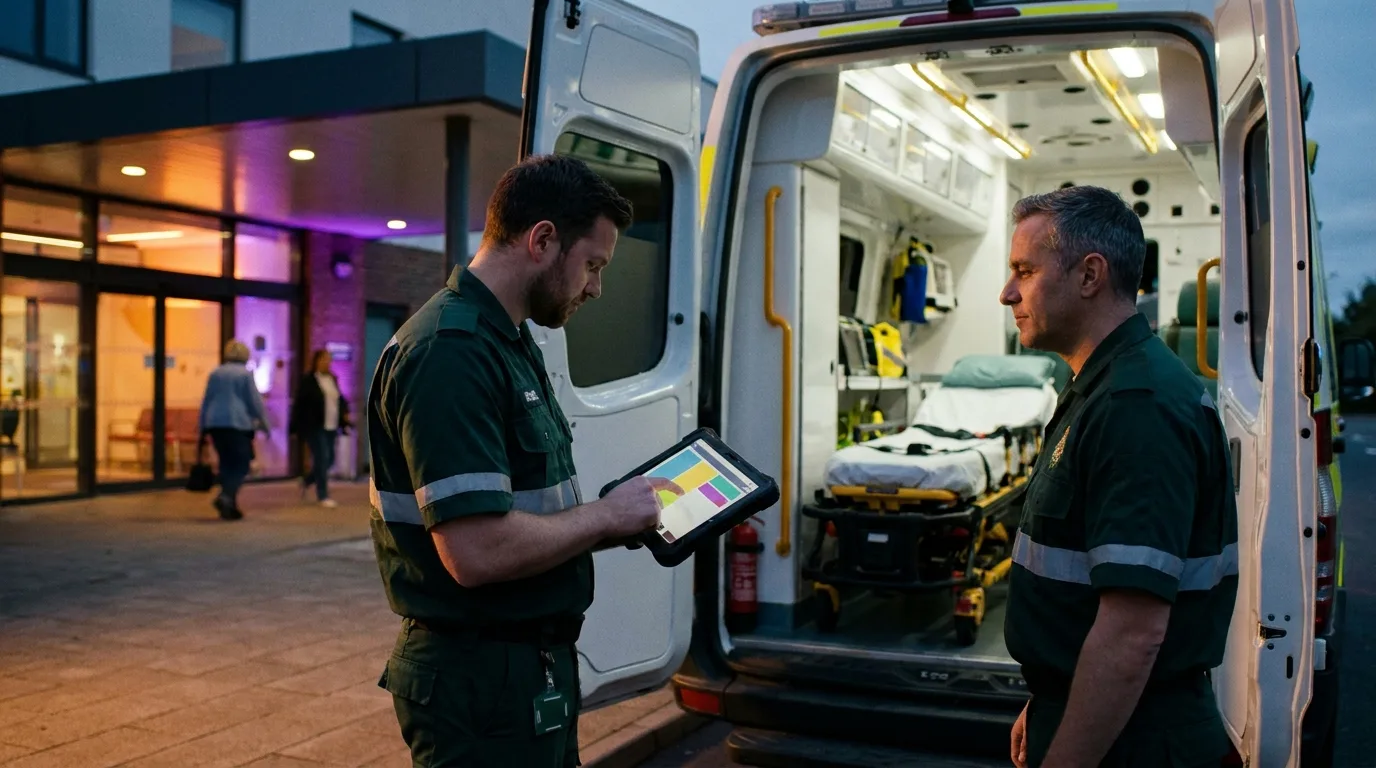
EMS crews document in the field, and the patient care report has to sync before the crew is back at the station. That means a tablet with its own cellular connection. The cellular iPad 10th Generation and cellular Galaxy Tab S9 FE are the main picks. The Lenovo Tab M10 5G is the budget option for agencies stretching a grant. Before you buy, check your ePCR vendor’s supported-device list.
For ambulance work, our rugged pick is the Galaxy Tab Active5 Pro: Samsung lists it as tested for sanitizers, and its dual hot-swap batteries let a rig’s tablet stay on through a shift. If you’d rather use one of the standard picks above, put it in a rugged protective case. A tablet in a rig gets dropped, kicked, rained on and bounced around, and the case is what keeps it in service, so treat the case as part of the device cost, not an accessory. See our guide to the best rugged tablets for the full comparison.
iPad or Android for healthcare?
Pick by MDM platform, not by brand. The tablet should match the system your team already manages.
If you run Apple Business (formerly Apple Business Manager), iPads enroll and configure themselves with almost no hands-on work. If you’re a Samsung Knox shop, Galaxy Tabs give you the deepest control. If you manage through Android Enterprise, Samsung and Lenovo tablets both fit.
The real cost shows up in mixed fleets. Two platforms means two sets of policies, two enrollment flows and two sets of problems when an update breaks something. Some hospitals end up mixed anyway, usually because intake bought iPads and nursing bought Android. If you can standardize on one, do it.
Are tablets HIPAA compliant?
No tablet is HIPAA compliant on its own. HHS doesn’t certify products, so there’s no such thing as a HIPAA-certified tablet.
Compliance comes from how your organization configures and manages the device: MDM policies, encryption, access controls, which apps are allowed, and the policies staff actually follow. The same tablet can be fine in one hospital and a problem in another, depending entirely on setup. HHS’s HIPAA guidance is the place to start for what the rules require. The same logic applies to the phones in your fleet. See our hospital phone guide for that side.
Here’s the full lineup by role, so you can see where each of these tablets for healthcare fits:
| Role | Recommended models | Why it fits | Trade-off |
|---|---|---|---|
| Intake and check-in | Apple iPad 10th Generation; Samsung Galaxy Tab A9+ | Affordable, locks to one app in kiosk mode | Needs an enclosure or stand |
| Bedside patient use | Samsung Galaxy Tab A11; Lenovo Tab M11 | Cheap enough for every room, easy to reset between patients | Entry-level hardware; needs a protective case |
| Clinician charting on rounds | Samsung Galaxy Tab S9 FE; Apple iPad Air 6th Generation | More screen, pen input for annotations and signatures | Higher cost per unit |
| Shared team tablets | Samsung Galaxy Tab S10 FE; Apple iPad 11th Generation | Current hardware for quick lookups and handoffs at the station | Needs shared-device sign-in setup |
| EMS and ambulance | Cellular iPad 10th Generation or Galaxy Tab S9 FE; Lenovo Tab M10 5G | Own connection in a moving rig | Not rugged; pair with a rugged case |
Is refurbished OK for healthcare deployments?
Yes, when tablets are graded, inspected, covered by a DOA guarantee and still inside the manufacturer’s update window.
The update window matters most. A refurbished tablet from a recent generation with years of patches ahead of it is a smart buy. An older one near end of support isn’t, whatever the price.
Our grades are New, Certified Like-New and Certified Pre-Owned (A+, A, A-). Every device goes through a 35-point PhoneCheck inspection, IMEIs on cellular models are checked against the GSMA device registry, and every grade carries a 30-day DOA guarantee. Our return rate runs under 1%. Pricing typically lands 20–40% below MSRP, which works out to $100–$400 per unit depending on model.
Every device is wiped with Phonecheck, whose erasure is built to NIST 800-88 and has passed ADISA’s Product Claims Test, and each wipe produces a signed certificate of erasure you can request. Start with MDM-ready devices and the setup work happens once, not tablet by tablet.
Frequently asked questions
Can refurbished tablets be used in hospitals?
Yes, as long as each tablet is graded, inspected and still receiving security updates from its manufacturer. Every device we ship goes through a 35-point PhoneCheck inspection, and IMEIs on cellular models are checked against the GSMA device registry. Each one is wiped with Phonecheck erasure built to NIST 800-88, and a signed certificate of erasure is available on request.
Do your tablets come in cellular versions?
Yes. iPad and Galaxy Tab models are available in cellular (LTE) versions, which we recommend for EMS crews and any tablet that leaves Wi-Fi coverage.
Are your tablets MDM-ready?
Yes. Our tablets are 100% MDM-compatible and work with Apple Business, Samsung Knox and Android Zero-Touch enrollment.
What if a tablet arrives faulty?
Every order is covered by a 30-day DOA guarantee on all grades. If a tablet is dead on arrival, reach out within that window and we’ll take care of it.
What’s the minimum order?
The minimum order is 10 units. Send us your device mix and quantities and you’ll get a quote in about 4 hours.
Planning a tablet rollout?
Tell us the roles, quantities and MDM platform you’re working with. Browse wholesale tablets or our healthcare devices. Minimum order is 10 units, and you’ll have a quote in about 4 hours.
Request a quote