The best phones for retail business in 2026 are the rugged Samsung Galaxy XCover7 Pro for stockrooms and warehouses, and the big-battery Galaxy A36 5G and Galaxy A16 5G for floor staff running point-of-sale and inventory. In retail, the right phone isn't the one with the best camera — it's the one that survives a full shift on a busy floor, locks to a single app, and gets shared across a rotating team without missing a beat.
Below we cover what makes a phone retail-ready, compare the top picks on durability, battery, and kiosk support, and explain how these devices double as scanners and POS terminals. To match models to your stores, you can compare business phones with our decision tool.
What Makes a Good Retail Business Phone?
Retail is tough on hardware and unusual in how devices get used. Five things separate a retail-ready phone from a consumer one:
1. Durability
Phones on a sales floor or in a stockroom get dropped, splashed, and handled all day. A rugged build or at minimum a rugged case prevents the steady drip of cracked-screen replacements that quietly wrecks a retail device budget.
2. Battery that lasts a full shift
A shared floor phone can't die at 3 p.m. Look for large batteries — or, on rugged models, a swappable one — so a device runs an entire shift, and ideally hot-swaps between shifts without downtime.
3. Kiosk and shared-device support
Retail phones are often locked to a single app (POS, inventory, clienteling) and shared across staff rather than assigned to one person. The device needs to support kiosk/dedicated-device mode and easy shared sign-in.
4. Scanning and POS capability
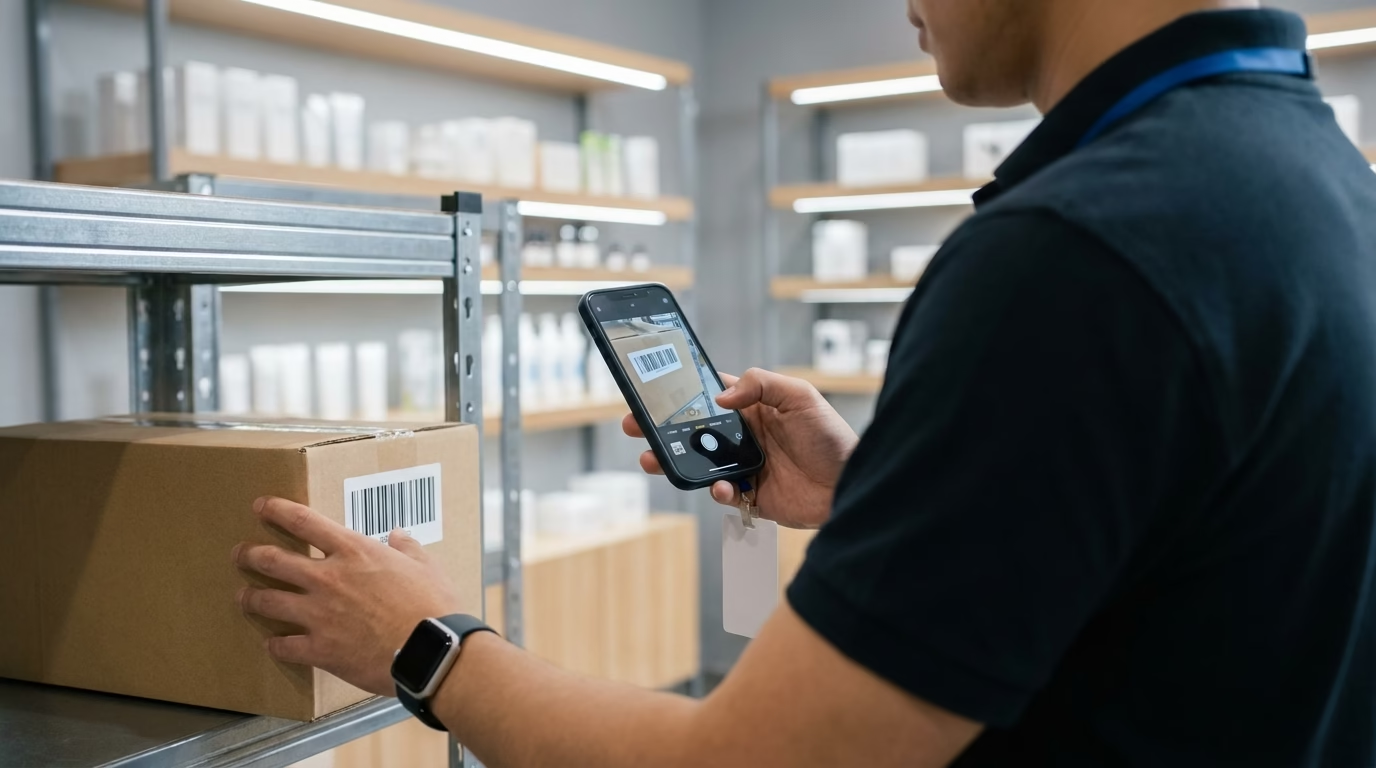
A modern smartphone camera reads barcodes and QR codes well enough to replace dedicated scanners for many tasks, and pairs with mobile POS for line-busting and curbside. That turns one device into scanner, register, and lookup tool.
5. Cost and consistency at scale
Stores run many identical devices. A model you can buy in volume, replace easily, and keep uniform across locations beats a slightly nicer phone you can't source consistently.
The Best Phones for Retail Business in 2026
Here are the top retail picks, scored on what matters on a sales floor rather than consumer specs.
| Phone | Durability | Battery for a shift | Kiosk / shared device | Best retail use |
|---|---|---|---|---|
| Samsung Galaxy XCover7 Pro | Rugged — IP68, MIL-STD-810H, swappable battery | All-day + hot-swap | Knox kiosk / shared | Stockroom, warehouse, rough handling |
| Samsung Galaxy A36 5G | Standard (add a case) | ~5,000 mAh — full shift | Knox kiosk mode | Floor staff, mobile POS, scanning |
| Samsung Galaxy A16 5G | Standard (add a case) | ~5,000 mAh | Knox kiosk mode | Budget shared devices at scale |
| Google Pixel 9a | Standard (add a case) | ~5,100 mAh | Android dedicated-device | Clean Android; Google Workspace retailers |
| Apple iPhone 16e | Standard (add a case) | ~4,000 mAh | Guided Access / ABM | Apple-based POS (Square, Shopify) |
The pattern: go rugged where the environment is harsh, and use big-battery A-series devices in cases for general floor and POS use. Every pick supports kiosk/shared-device mode, so any of them can be locked to your retail app.
Rugged vs Standard: Which Does Your Store Need?
You don't need rugged everywhere. Reserve a rugged device like the Samsung Galaxy XCover rugged line for genuinely tough spots — stockrooms, loading docks, warehouses, outdoor pickup — where drops and moisture are constant and a swappable battery keeps a device running across shifts. For the sales floor, a standard A-series phone in a good protective case is cheaper and does the job. A mixed fleet — rugged in the back, standard up front — is usually the most cost-effective setup.
Kiosk Mode and Shared Devices Across Shifts
Most retail phones aren't assigned to one person — they're shared and locked to a task. Kiosk (dedicated-device) mode pins a phone to a single app so staff can't wander off into settings or personal use. Android supports this through Android Enterprise dedicated-device enrollment, and Samsung adds retail-specific configuration and shared sign-in through Samsung Knox. Set devices up once, deploy them to every store, and rotate them across shifts without reconfiguring each one.
POS, Payments, and Inventory Scanning
A retail smartphone is three tools in one. Its camera scans barcodes and QR codes for inventory, receiving, and price lookups, often removing the need for a separate handheld scanner. Paired with a mobile POS app, it becomes a mobile register for line-busting, pop-ups, and curbside. And it handles clienteling — looking up a customer's history or checking stock at another store — right on the floor. Buying unlocked devices means you're free to run whatever POS and payment stack you prefer.
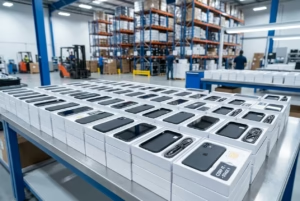
Buying Retail Phones in Bulk
Stores run on consistency, so buying identical, business-ready devices in bulk from one supplier is the way to go — uniform hardware across locations, predictable lead times, and easy same-day replacements when one breaks. Certified Like-New units keep costs down for high-turnover shared devices without sacrificing reliability. Start with our business smartphones in bulk and Samsung wholesale pages.
Ready to outfit your floor? Compare business phones with our decision tool, then request a wholesale quote on the models that fit your stores.
Frequently Asked Questions
What's the best rugged phone for retail staff?
The Samsung Galaxy XCover7 Pro is a strong choice for tough retail environments — IP68 and MIL-STD-810H rated, with a user-replaceable battery so it can hot-swap between shifts. Reserve rugged devices for stockrooms, docks, and warehouses; for the general sales floor, a standard Galaxy A-series phone in a protective case is more cost-effective.
Can phones handle POS and inventory scanning?
Yes. A modern smartphone camera reads barcodes and QR codes well enough to replace a dedicated scanner for most retail tasks, and paired with a mobile POS app it becomes a mobile register for line-busting and curbside. Buying unlocked devices lets you run whatever POS and payment stack you prefer.
How do you lock a phone to one app (kiosk mode)?
Kiosk or dedicated-device mode pins a phone to a single app so staff can't reach settings or personal use. Android supports this through Android Enterprise dedicated-device enrollment, Samsung adds retail configuration through Knox, and Apple offers Guided Access and supervised restrictions via Apple Business. You set it up once, then deploy the same configuration to every device.
Shared devices across shifts — what should we buy?
Prioritize battery life and kiosk support over premium specs. The Galaxy A36 5G and A16 5G offer roughly 5,000 mAh batteries that last a shift and support Knox kiosk mode, while the rugged XCover7 Pro adds a swappable battery for continuous multi-shift use. Buy identical models in bulk so any device works the same and replacements are instant.
How many phones before I get bulk pricing?
Bulk pricing starts at lower volumes than most retailers expect, so even a few stores' worth can qualify. The bigger wins are uniform hardware across locations, predictable lead times, and easy replacements. Certified Like-New units keep costs down for high-turnover shared devices. Request a wholesale quote for the quantity you need.
Outfit every store with phones built to work
Get wholesale pricing on rugged and floor-ready phones — unlocked, kiosk-capable, inspected, and warrantied.
Request a Wholesale Quote